Imagine a cat typing, a character waving, or steam rising from a coffee cup. Our AI GIF generator from text turns your description into an animation you can preview and download.
Name the subject, colors, and background you imagine. Keep the description focused on the details that matter to your scene.
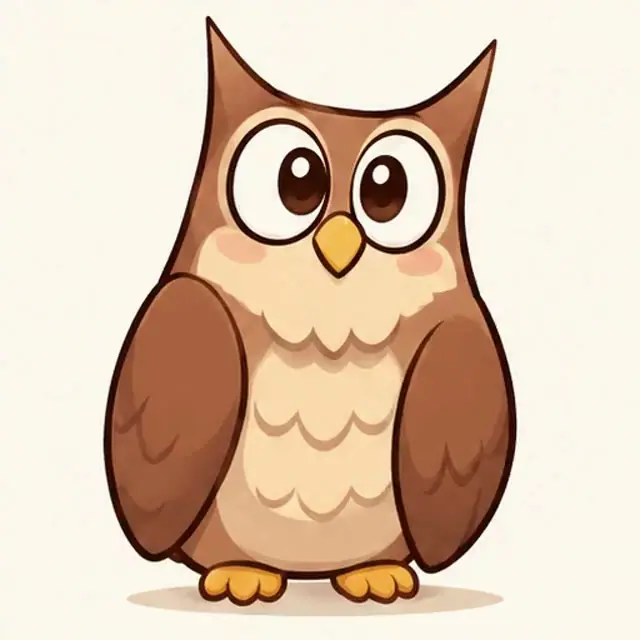
A wide-eyed illustrated owl on a plain blue background, soft feathers, warm light.
Visual reference
Motion inspiration
DESCRIBE THE ACTION
Give the subject one clear action
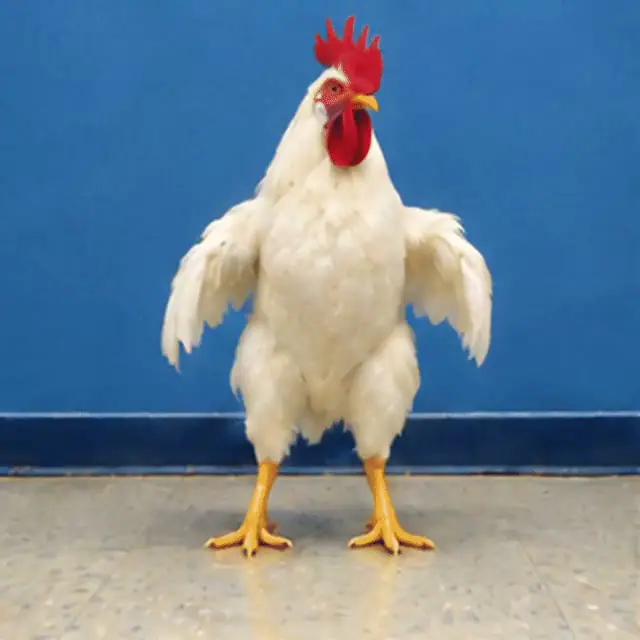
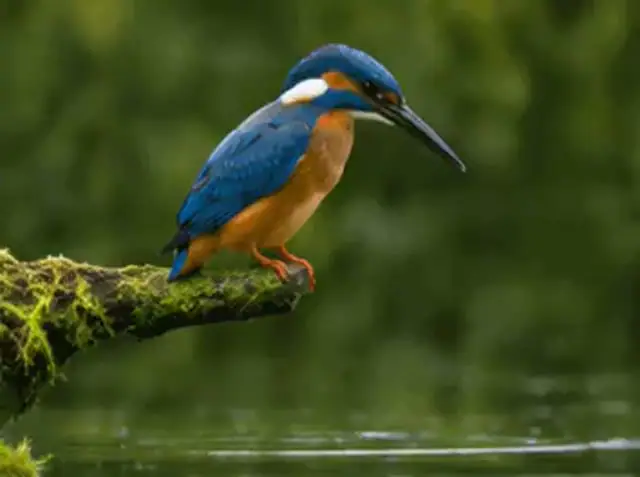
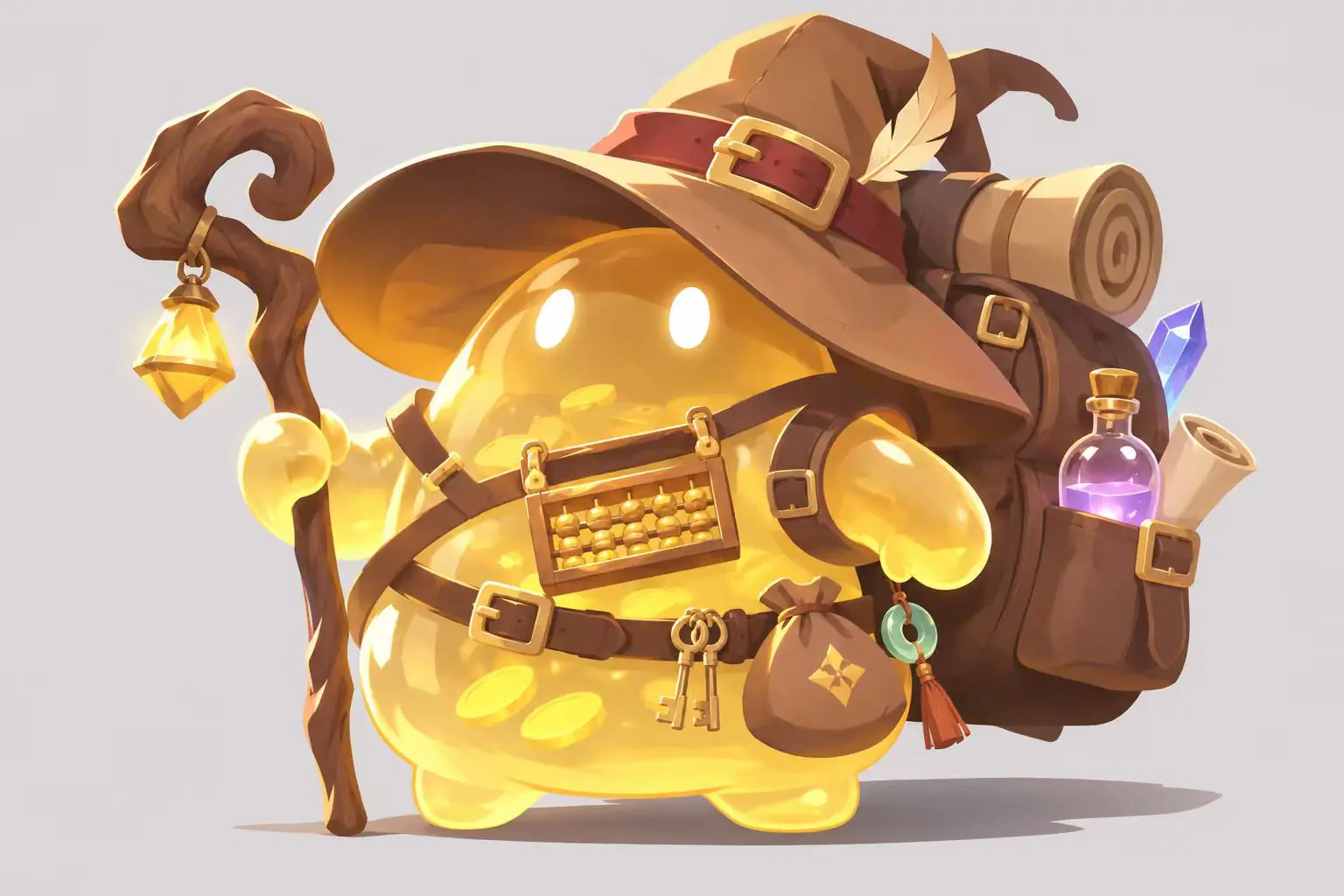
Use a visual reference to plan your description, then write what moves and what stays still. In Text to GIF, your words are the starting input.
A friendly clay character gives a gentle wave, body stays in place, fixed camera.
AI GIF prompts you can make your own
Explore these curated motion references, then adapt the prompt ideas with your own subject, movement, or colors.
Motion reference
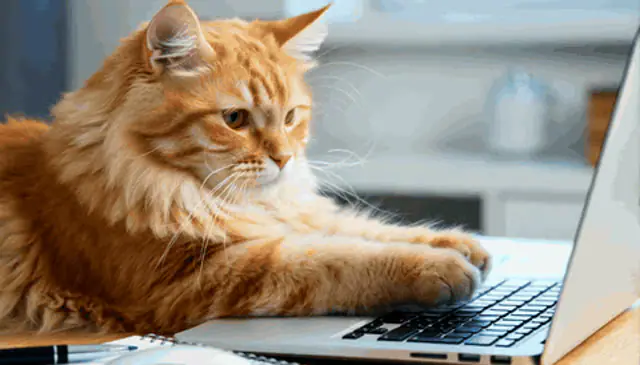
A cat with work to do
A fluffy orange cat rests its paws on a laptop keyboard and makes small typing movements. Realistic fur, soft window light, fixed camera, repeating paw movement.
Motion reference
A quiet coffee break
Soft steam curls upward from a warm coffee cup beside a sunlit window. Realistic photography, warm morning light, fixed camera, cup stays in place, gentle continuous steam.
Motion reference
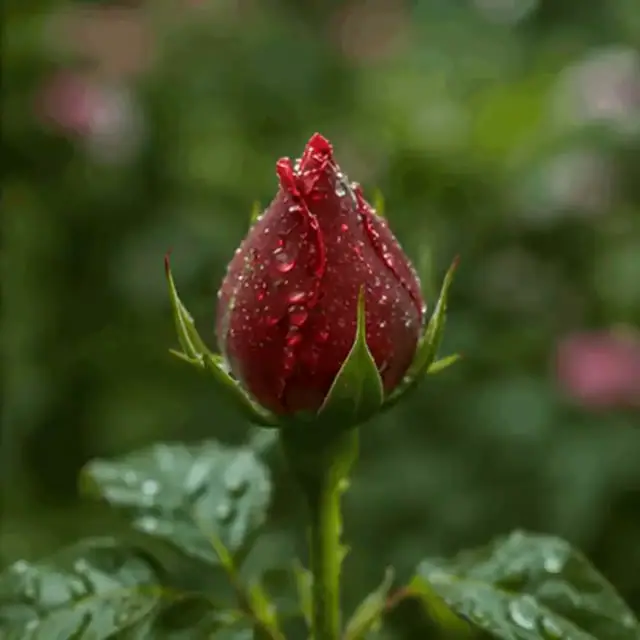
A rose after the rain
A red rosebud covered in water droplets moves gently in a light breeze. Realistic macro photography, soft green garden background, fixed camera, subtle repeating motion.
Choose the style, shape, and speed of your GIF
01
Give the scene a visual direction
Choose Cinematic for dramatic lighting, Product for a studio presentation, Anime for an expressive illustrated direction, Social for bold colors, Luxury for a minimal look, or Experimental for abstract ideas.
02
Frame the subject
Choose from square, portrait, and landscape canvas shapes. A square composition gives one character room to read clearly; a wider frame leaves space around a small scene. Describe the placement you want in the prompt.
03
Set the playback pace
Slow, Standard, and Fast change how quickly the animation frames play. Choose the pace for your movement and the quality level for your next generation. The Generate GIF button shows the credit cost for your selection.
How to write prompts for AI GIF animation
Use this starting point: subject + movement + visual style + background.
Instead of “a fox,” try “a small illustrated fox flicks its tail beside a lantern, warm colors, plain dark background, fixed camera.”
Name what stays still as well as what moves. For a repeating action, describe a movement that returns toward its starting pose, such as a gentle sway or a small nod.
Keep the idea focused. A single wave is easier to describe clearly than a character walking into a room, opening a gift, and leaving again. Change the action, background, or style one at a time when exploring variations.
AI text to GIF: your questions answered
Do I need a photo or video?+
No. Text to GIF starts with your written description. Describe the subject and its movement, then choose your settings.
Is this the same as an animated text maker?+
This tool uses your words to generate an animated scene or character. For a message that types itself or scrolls across a banner, choose a dedicated animated text editor.
Is text to GIF free?+
Generation uses account credits. The Generate GIF button shows the cost for your settings; visit our pricing page to compare credit options.
Do I need to sign in?+
Yes. Sign in before generating so the request uses your account and credit balance.
How do I describe a repeating movement?+
Ask for one small action, such as a blink, nod, or gentle sway. Keep the camera still and describe a movement that returns toward its starting position.
Can I start with an image instead?+
Yes. Open the AI GIF generator and choose Image to GIF to start with your own picture.