

Animate my image

ONE PICTURE. A LITTLE MOVEMENT.

Image to GIF AI: Make Your Photos Move

Give your picture a move of its own.

Upload a photo, illustration, or product image and describe what should move. Our AI image to GIF tool turns that starting picture into a short animation you can preview and download.

One JPG, PNG, or WebP · Image and motion prompt required

SMALL SCENES. REAL PERSONALITY. · .gifCurated motion inspiration

AI GIF Generator

AI GIF Generator
0/1200
Visual direction
Required Credits
10

Your GIF

FROM STILL TO MOVING

How to turn a photo into an animated GIF

  1. 1

    Choose your starting picture

    Upload one JPG, PNG, or WebP up to 10 MB. Start with a clear subject and leave a little space around the part you want to move.

  2. 2

    Describe one clear action

    Tell the AI what moves and what stays still. Try a gentle blink, a small wave, or steam rising from a cup. Choose a visual direction for the animation.

  3. 3

    Generate, preview, and download

    Sign in, review the credit cost, and select Generate GIF. When the animation is ready, preview it and download the GIF file.

FIND YOUR NEXT MOVEMENT

Explore small gestures, expressive characters, and moving details. Pick one clear action to describe for your own picture.

Reactions & memes

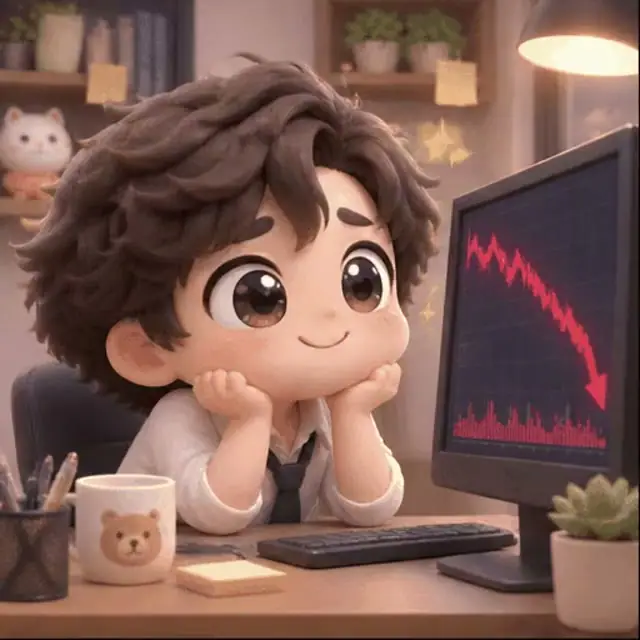
When the chart has other plans

Reactions & memes

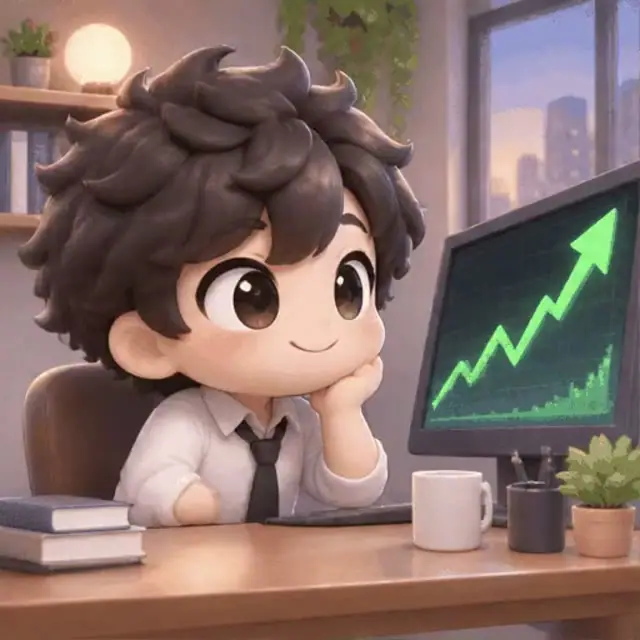
That little victory feeling

Characters & mascots

A mascot with something to say

Reactions & memes

Busy doing very important things

Characters & mascots

One character. A whole little world.

Objects & little worlds

A quiet moment, on repeat

Characters & mascots

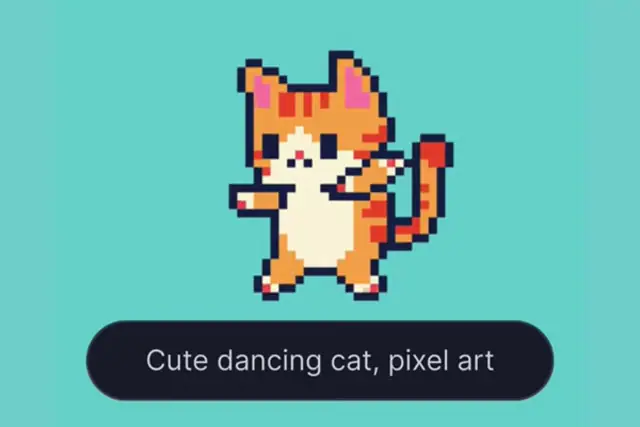
A few pixels. A lot of personality.

Objects & little worlds

Let the smallest details move

Characters & mascots

Your daily dose of determination

Reactions & memes

A little main-character energy

Objects & little worlds

A glimpse of the natural world

Objects & little worlds

Make an abstract idea move

Curated motion references for your next GIF idea.

YOUR PICTURE SETS THE SCENE

Choose what moves in your photo

Animate my image

Text to GIF

Give your subject one clear action

Describe what should move in your uploaded picture, then name the details that should stay still. A blink or gentle head tilt gives the animation a clear focus.

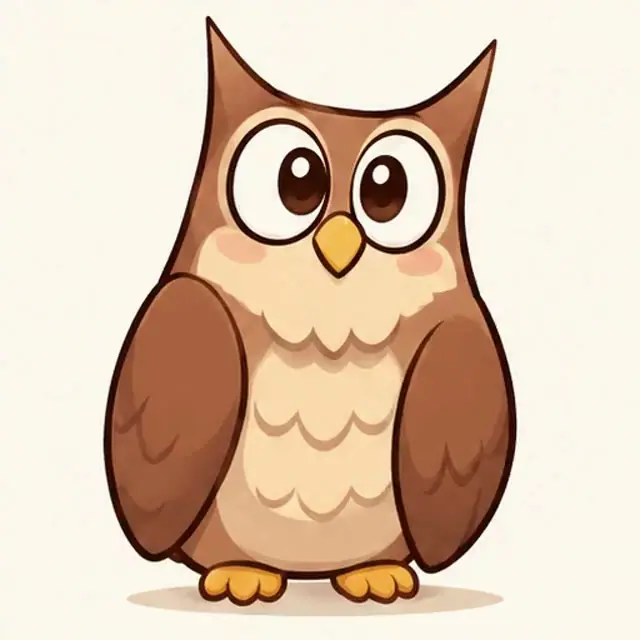
Motion idea: the owl blinks twice and gently tilts its head. Keep the body and background still, with a fixed camera.
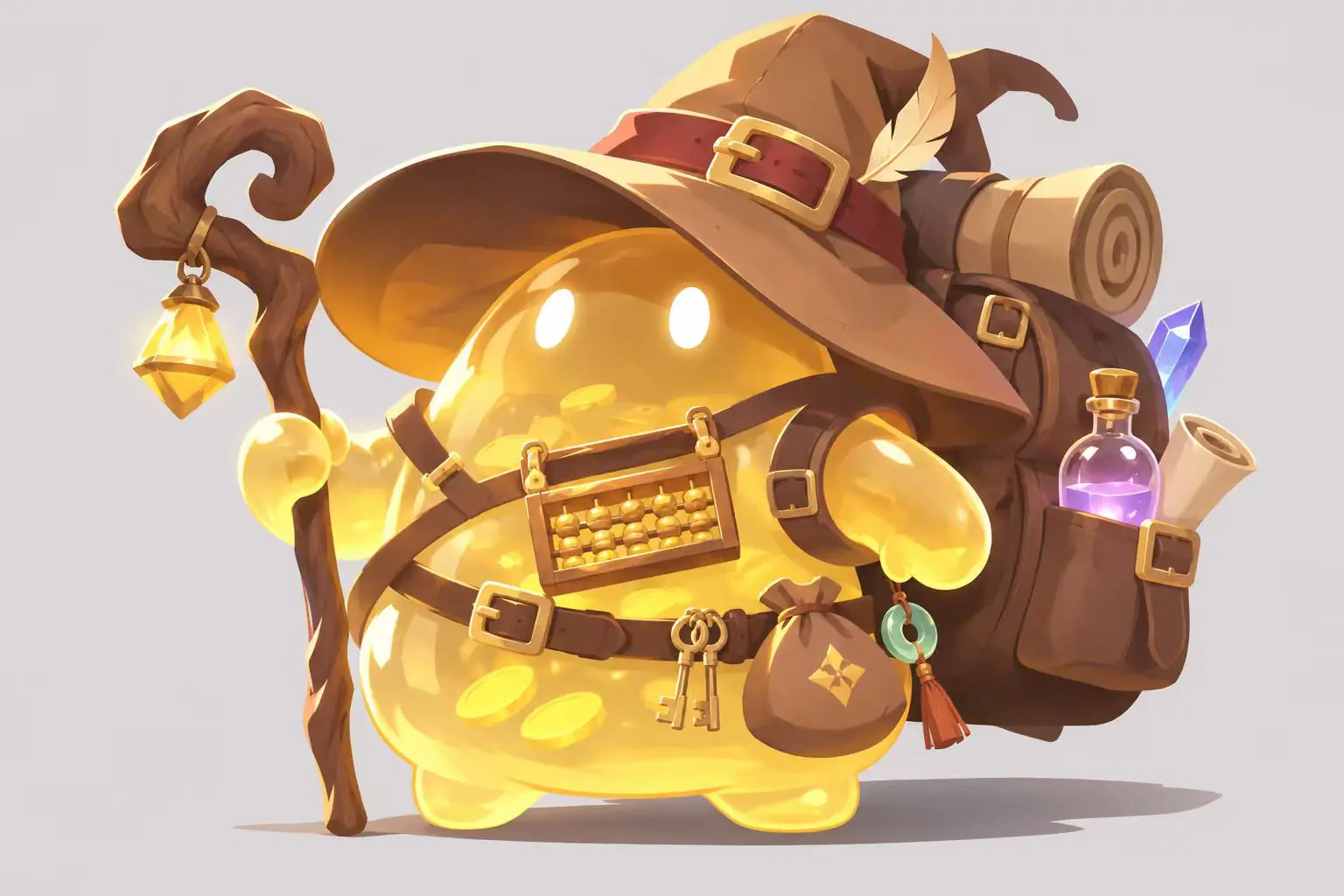
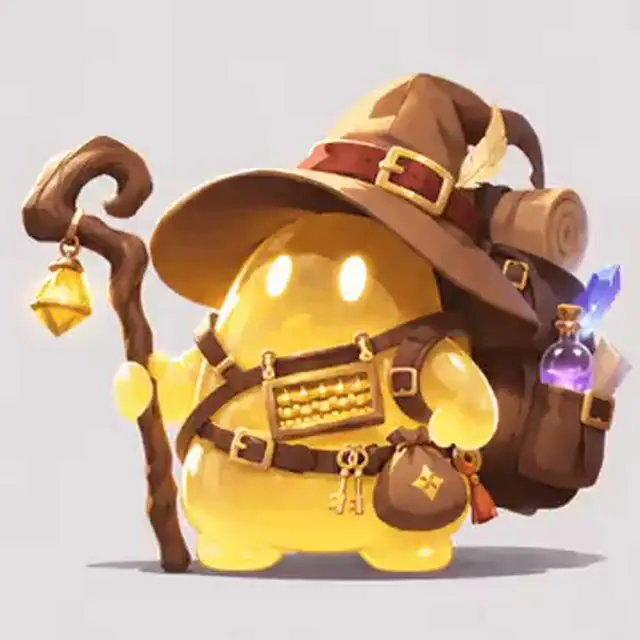
Reference illustration of a golden wizard with a hat, staff, and backpack
CHARACTER REFERENCE
MOTION INSPIRATION

Image to GIF

Start with your own character image

Upload a character illustration and direct a small gesture. Your picture supplies the appearance and composition; your prompt describes the movement.

Motion idea: the character gives a small wave and returns toward its starting pose. Keep the outfit, colors, and background consistent.

DIRECT THE MOVEMENT

Try these prompts to animate your photos

Explore these curated motion references for ideas. Your own image supplies the starting subject and composition; describe which part should move and which details should stay in place.

Motion reference

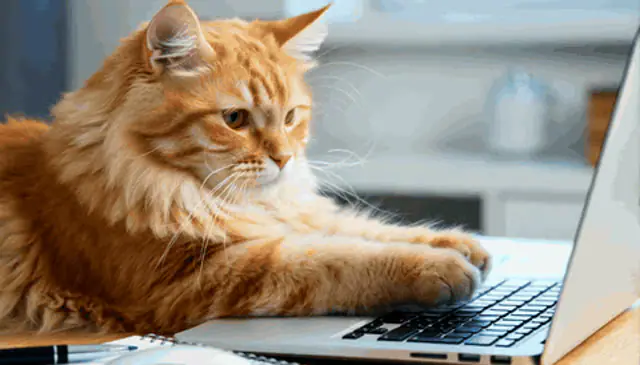
Small typing movements for a cat

Start with a cat photo that includes its paws and a keyboard. Describe a small movement while keeping the face and framing consistent.

The cat makes small typing movements with its front paws. Keep its face, fur markings, laptop, and background consistent. Fixed camera.

Animate my image
Motion reference

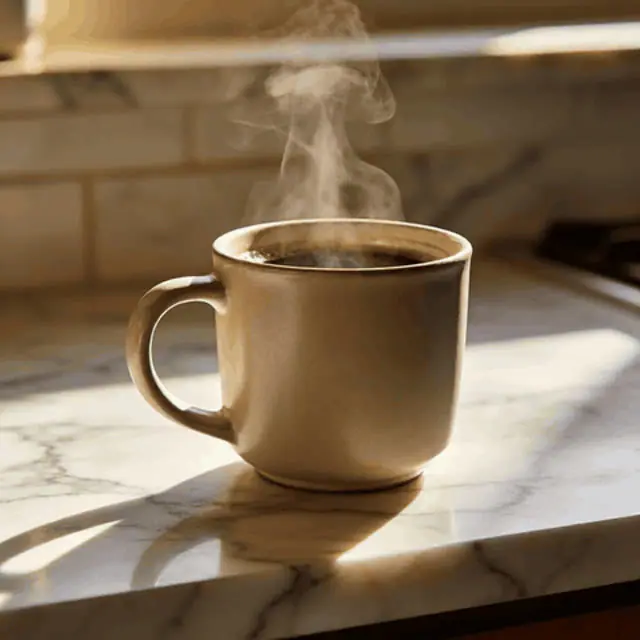
Soft steam above a coffee cup

Use a photo of a hot drink and focus the motion on the steam. Keep the cup, table, and framing in place.

Soft steam curls upward from the coffee cup. Keep the cup, table, lighting, and background consistent. Fixed camera, gentle continuous movement.

Animate my image
Motion reference

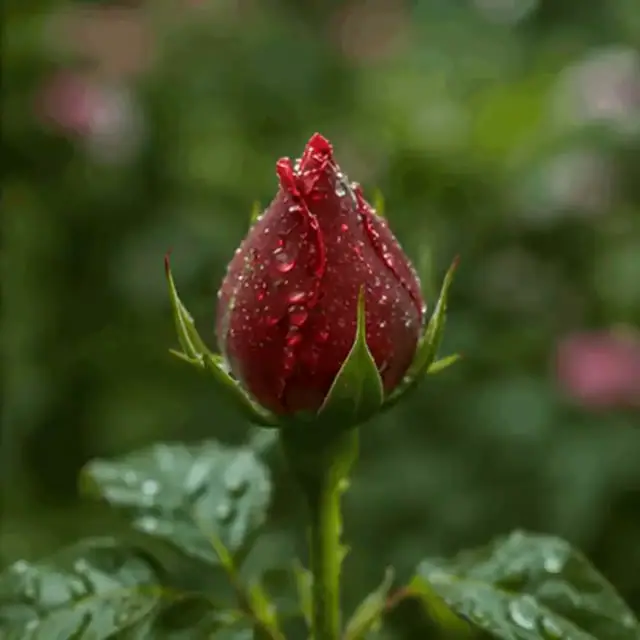
A gentle breeze around a rose

Start with a close-up flower photo. Ask for a subtle sway while preserving the petals, water droplets, and garden background.

The rosebud sways gently in a light breeze. Keep the petal shape, water droplets, colors, and garden background consistent. Fixed camera, subtle repeating motion.

Animate my image

START WITH A CLEAR SUBJECT

Which photos work best for GIF animation?

01

Keep the subject easy to see

Pick a sharp image where the face, character, or object is clearly separated from its surroundings. For a gesture, make sure the moving part is visible.

02

Leave space for the action

Keep hands, ears, and other moving details away from the edge. A small movement is easier to describe when it has room inside the original frame.

03

Keep the scene focused

Start with one subject and a simple background. Describe a single action before adding camera moves, multiple characters, or several events.

KNOW WHAT YOU ARE MAKING

Image formats, GIF size, and credit costs

Start with one image
Use one JPG, PNG, or WebP up to 10 MB, with neither side larger than 8192 pixels. Add a short motion prompt. Use an image you own or have permission to animate.
Download a short animation
Image mode is set to create a 3-second animation and deliver a GIF at 12 frames per second, 512 pixels wide. The canvas follows the shape of your starting image.
Review the cost before generating

Generation requires an account and credits. The Generate GIF button shows the current credit cost before you submit. Compare credit options on the pricing page.

Your photo to GIF questions, answered

Which image formats can I upload?

Upload one JPG, PNG, or WebP up to 10 MB. Each side must be no larger than 8192 pixels. Choose a clear image and add a motion description before generating.

How does photo to GIF animation work?

Start with a still photo and describe a movement. The AI creates motion from that image, and the finished animation is delivered as a downloadable GIF. You only need one starting picture.

Do I get an animated GIF or a still image?

The finished result is an animated GIF you can preview and download. Image mode is configured for 3 seconds, 512 pixels in width, and 12 frames per second.

Can I animate a portrait or landscape image?

Yes. The animation follows the shape of your starting image. Upload the composition you want to animate; image mode does not use the canvas shape choices from text mode.

How do I describe a repeating motion?

Ask for one small action that returns toward the starting pose, such as a wave or a gentle head tilt. Keep the camera fixed and describe which parts of the picture should stay still. Preview the result to check the transition when it repeats.

Is Image to GIF AI free to use?

Generation uses credits and requires sign in. Check the credit amount on the Generate GIF button before submitting; your available balance determines whether you can start the generation.

Can I combine several photos or upload a video?

Image mode animates one starting picture with a motion prompt. It does not combine a series of photos into a slideshow or accept a video for conversion.

What if I want to start without a picture?

Choose Text to GIF to describe a new subject and scene instead of uploading a starting image.

To create a new scene from words, use Text to GIF.

Make your favorite photo move

Animate my image